Plants
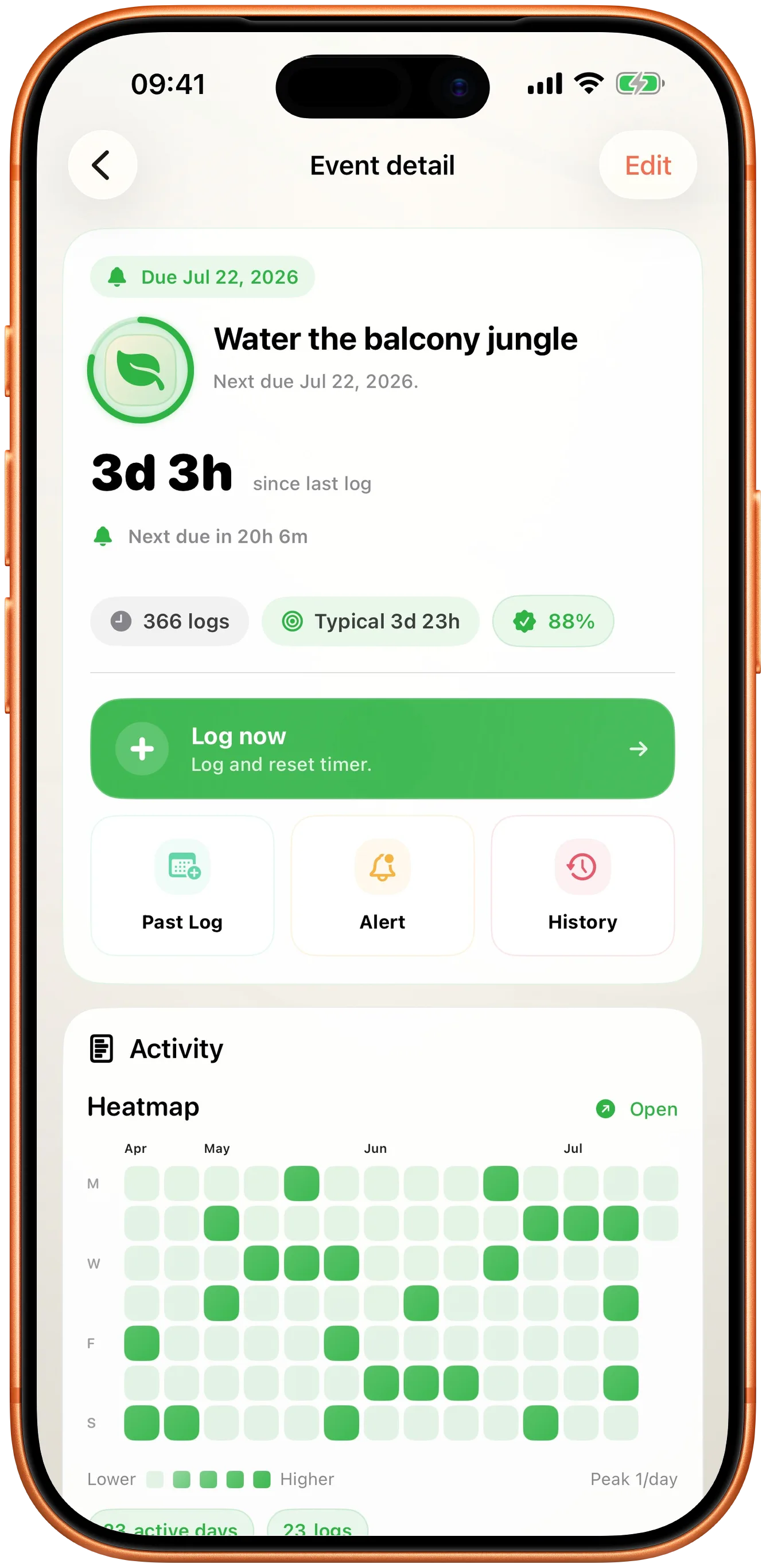
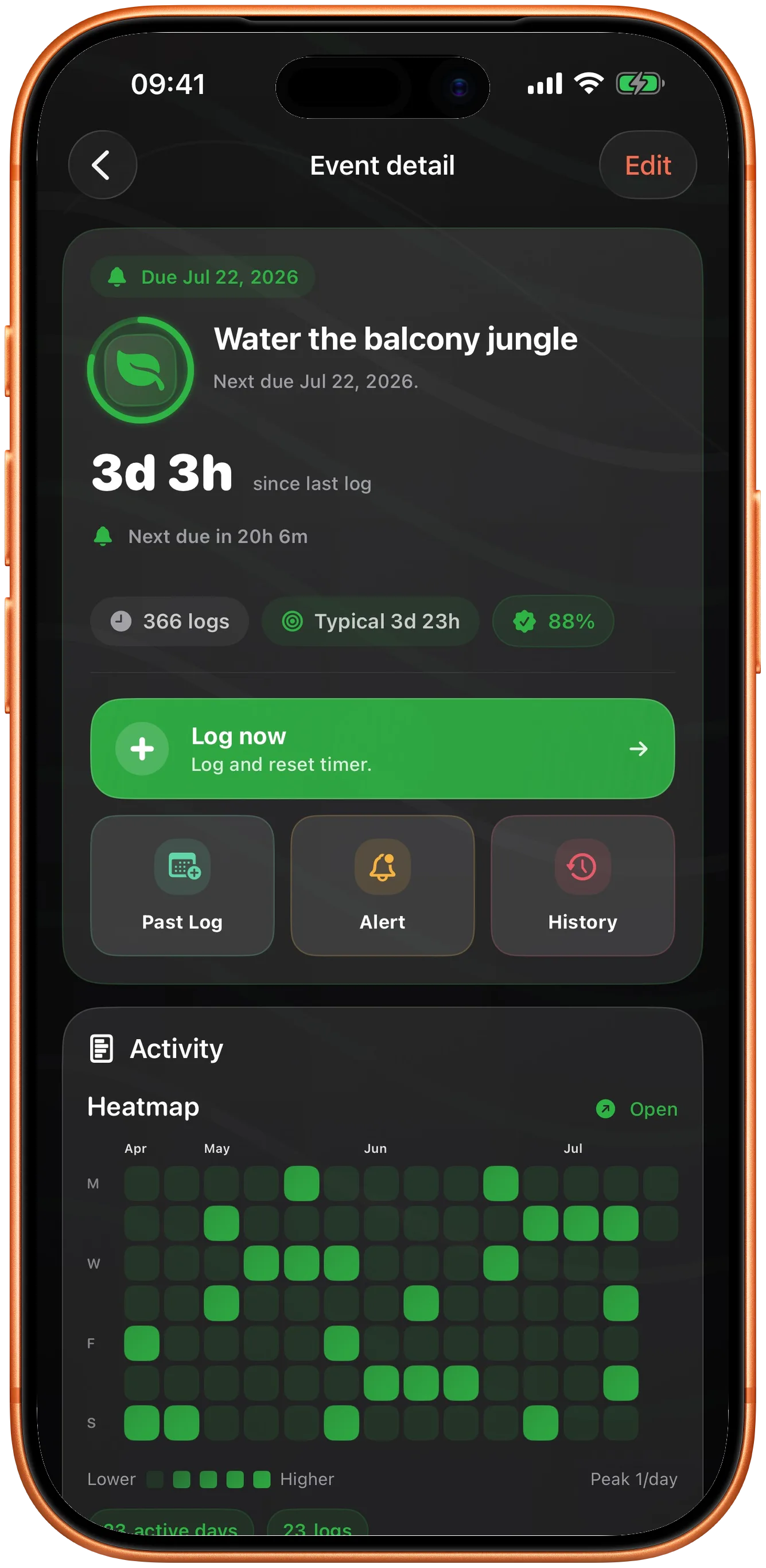
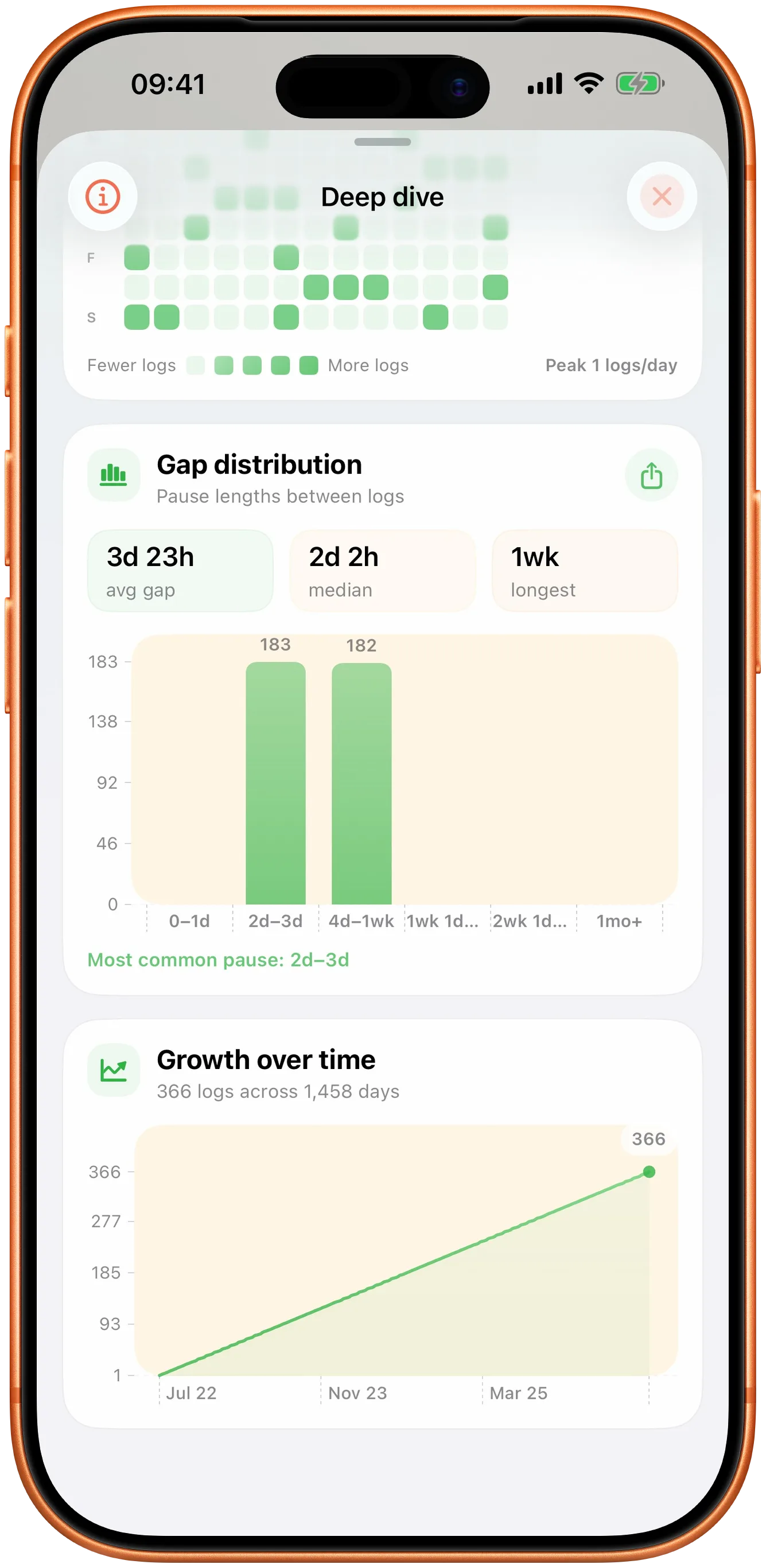
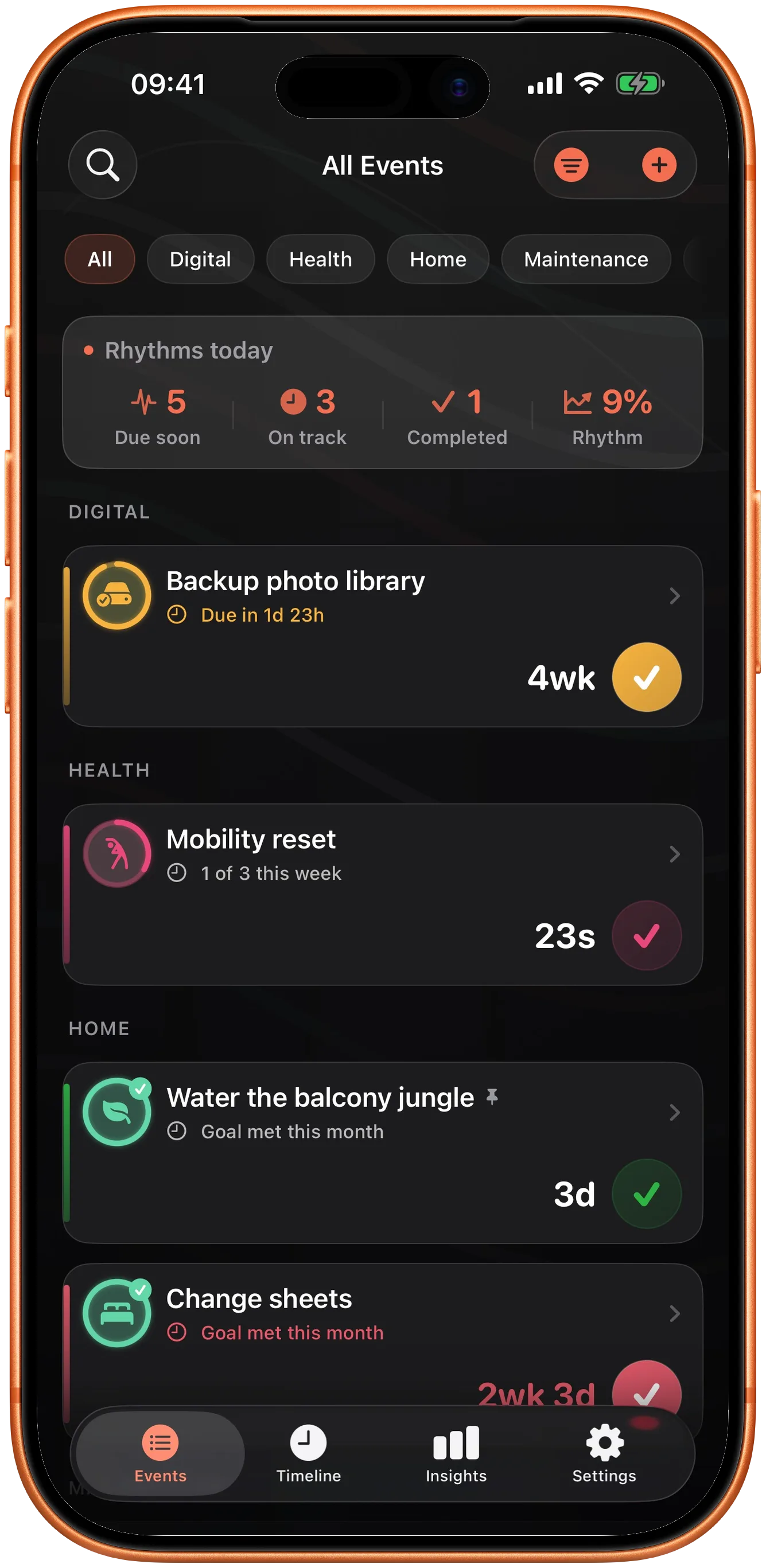
The balcony wants water roughly every four days in summer and every two weeks in winter. Takt learns the real gap instead of holding you to a rule you set once.
Takt answers that for the things you do every few days, weeks, or months — watering, medication, filters, cleaning — by tracking time since the last log instead of a daily streak.
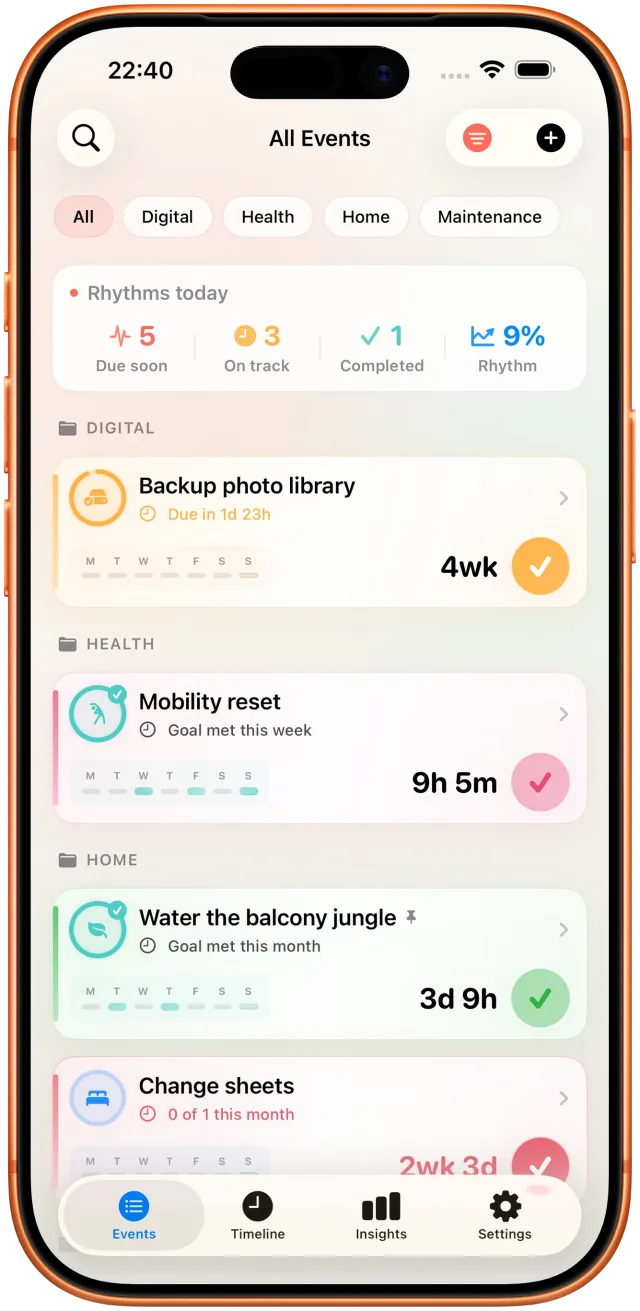
A streak app asks "did you do it today?". For most of these that question makes no sense — the useful one is how long it has been.
The balcony wants water roughly every four days in summer and every two weeks in winter. Takt learns the real gap instead of holding you to a rule you set once.
For anything you take on an interval rather than a fixed time of day, the last dose is the only thing you actually need to see.
Water filter, vacuum bag, car oil, air conditioning. You will not remember the date, but you can log it in a tap when you do it.
Sheets, the fridge, under the sofa. Nobody does these daily, and a broken streak is not useful feedback.
Some contacts deserve "it has been five weeks" more than they deserve a calendar entry.
If you have ever stood in a room trying to remember whether you already did the thing, it belongs in Takt.
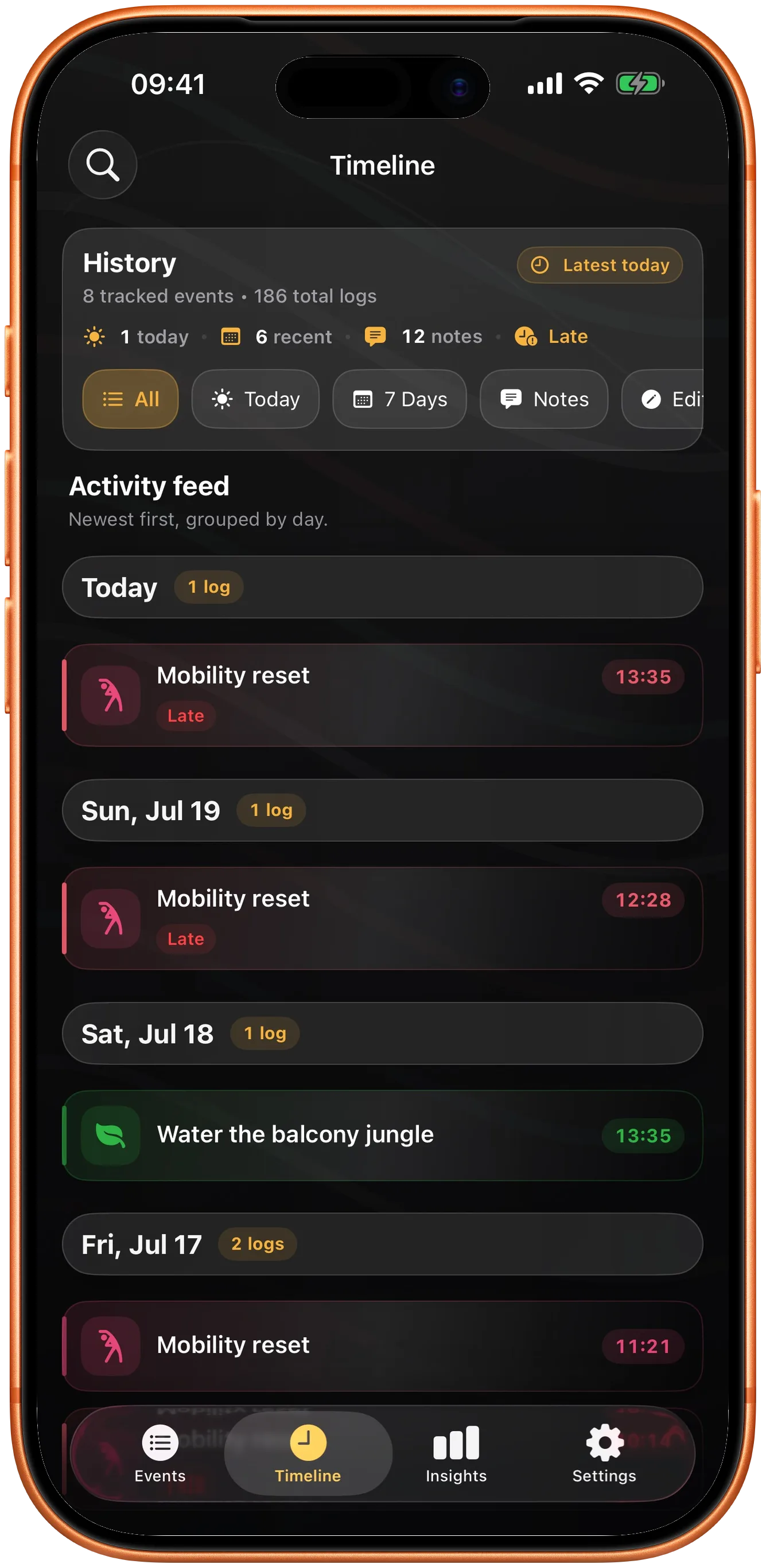
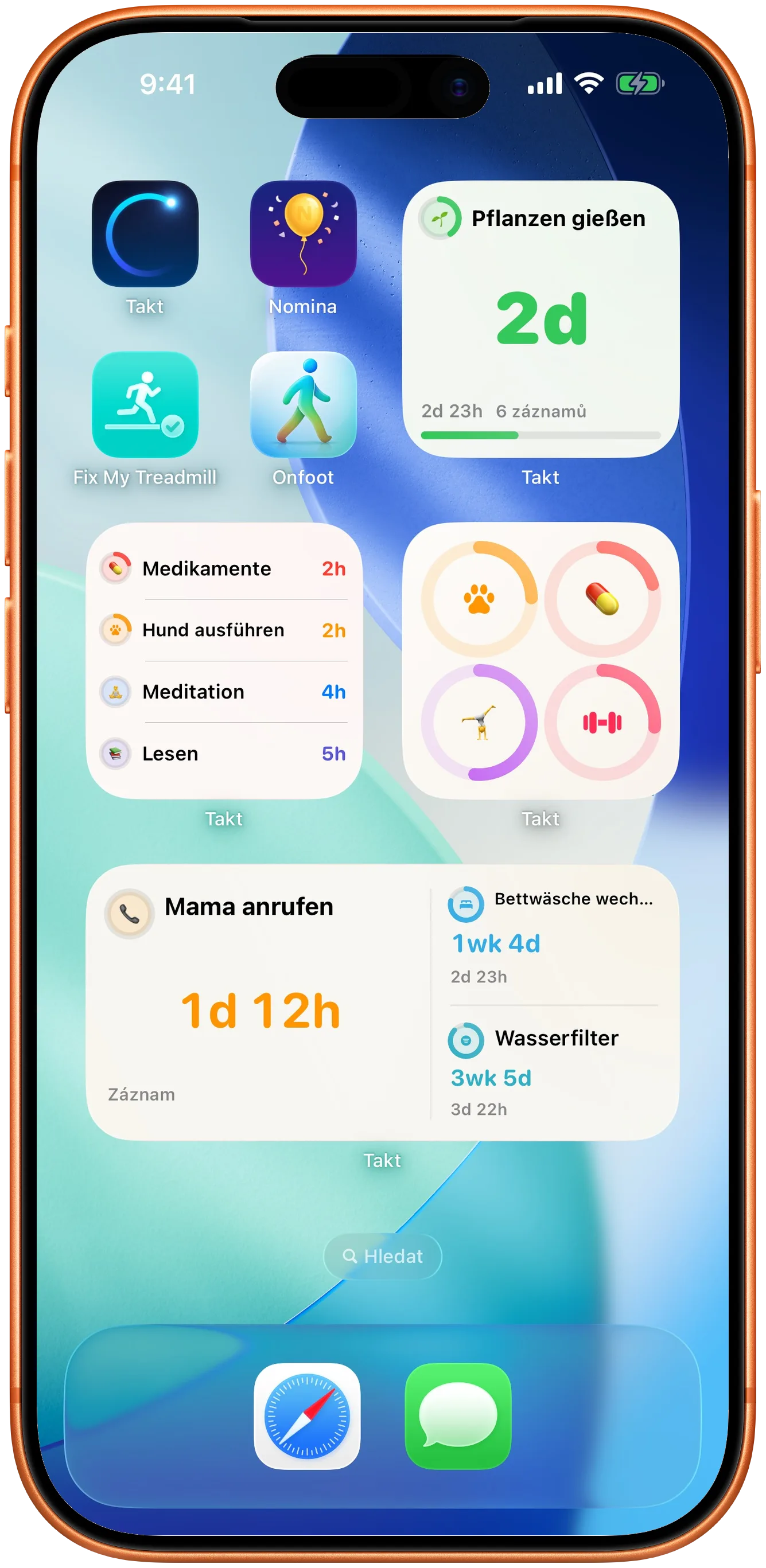
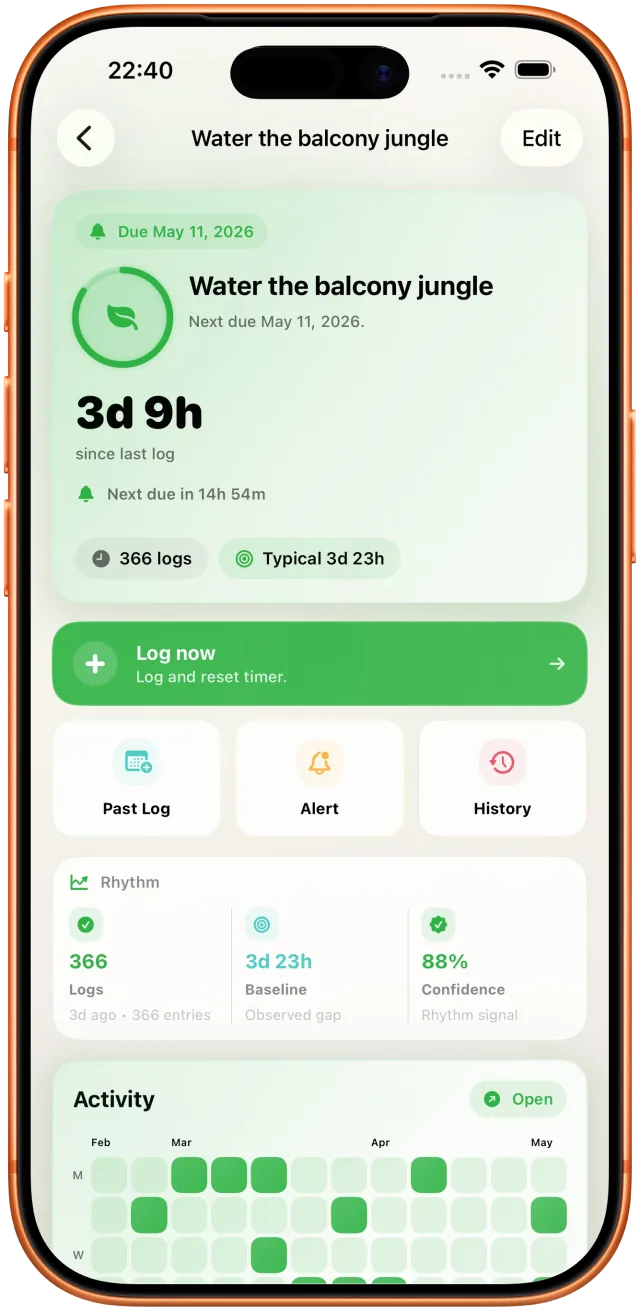
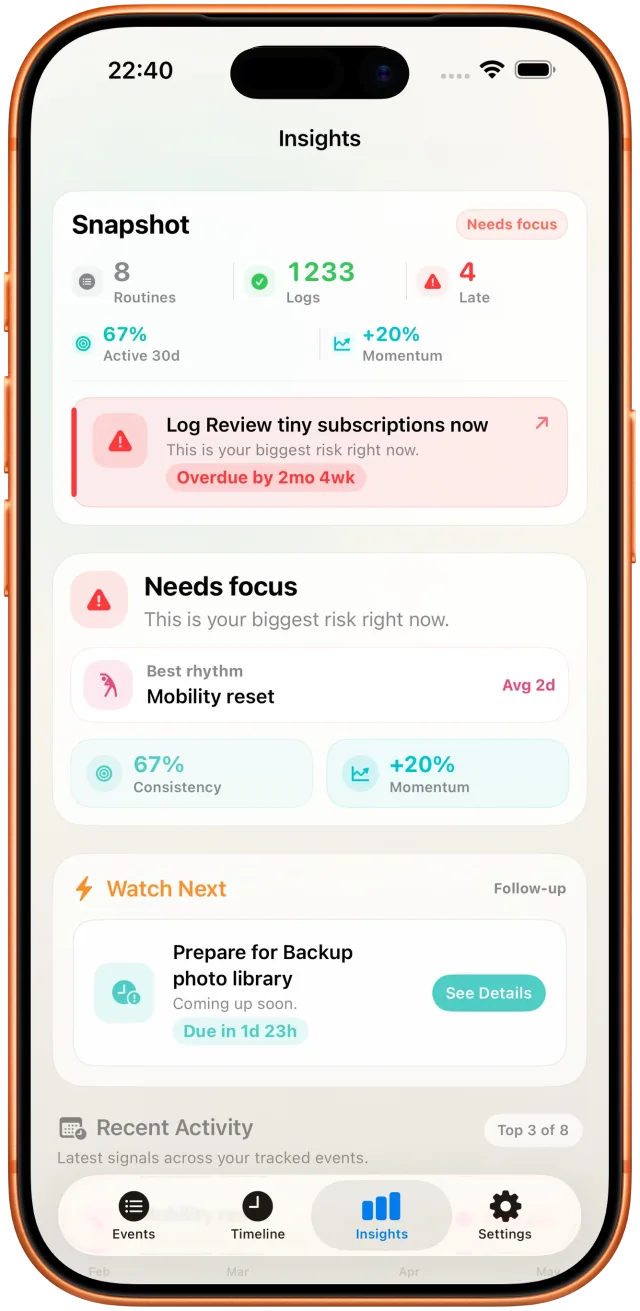
Every entry shows time since the last log, when it is next due, and the typical gap Takt has observed. Log from the app, a widget, Apple Watch, or a Shortcut.
Your logs stay on the device by default. If you turn on sync, it goes through your own iCloud account using Apple CloudKit — there is no developer server in the middle. Takt Pro is a one-time purchase, not a subscription.
Six screens, from a single tap to log something to the patterns it turns into.
For product, billing, privacy, or sync questions, contact the developer directly.
How to track recurring tasks without daily streaks.
Include your device, OS version, affected surface, and what happened.
Exact details about local storage, iCloud sync, and purchases.
Terms for using Takt and its optional Pro features.