Can I search in English?
The interface supports English. Official Czech registry data and place names stay in their source language.

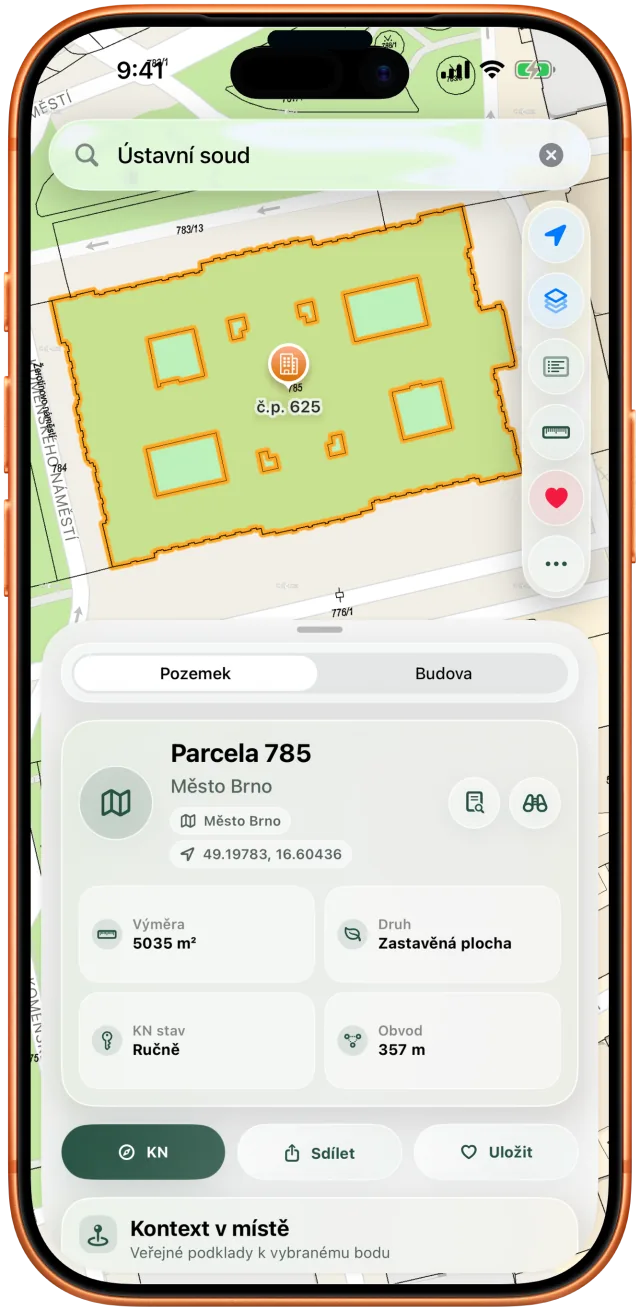
Tap a parcel to see its area, land type and title-deed number, with a link to the official Czech Land Registry.
| Field | What you see |
|---|---|
| Area | Parcel area in m², as recorded by the cadastre. |
| Land type | For example built-up area, garden or arable land. |
| Perimeter | Boundary length in metres. |
| Coordinates | Position you can copy with one tap. |
| Title deed (LV) | Title-deed number of the parcel. |
| Map sheet | Source of the drawing, such as DKM. |
| Buildings and addresses | Structures on the parcel, with numbers. |
| Registry link | Opens the official Land Registry entry. |
| Layer | What it is for |
|---|---|
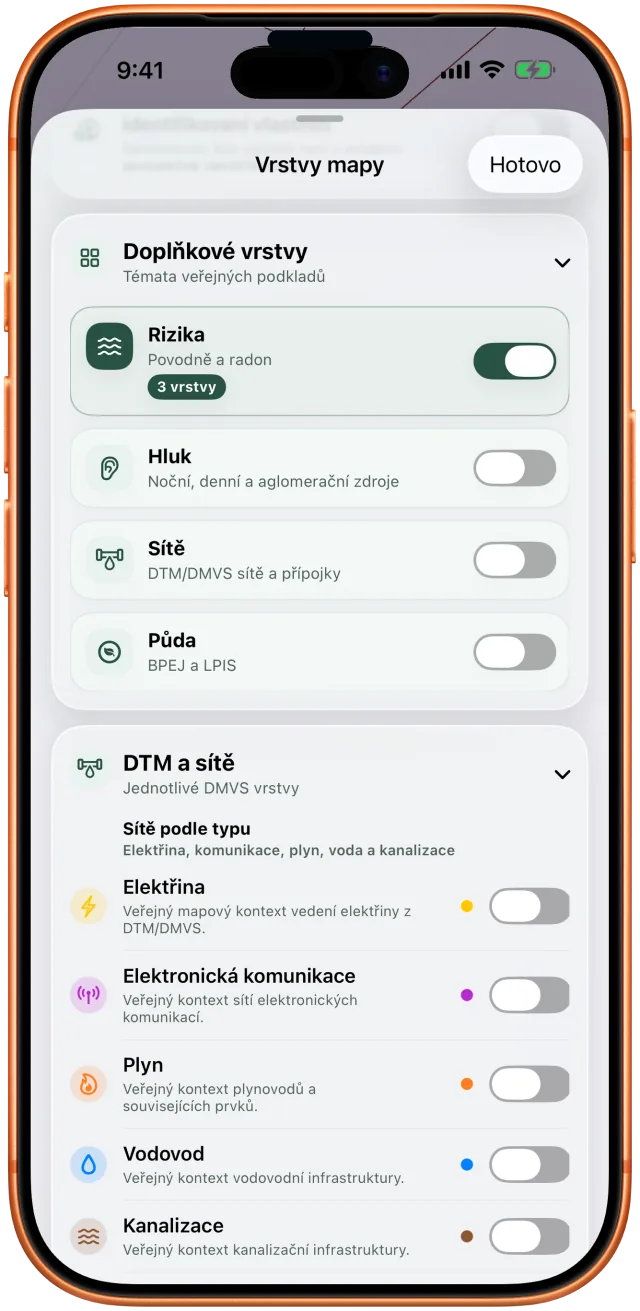
| Radon index | Radon context at the parcel. |
| Noise | Band from public noise maps. |
| Flood risk | Flood exposure and floodplains. |
| Soil quality | Czech BPEJ soil rating and LPIS. |
| DTM and DMVS | Indicative position of utility lines. |
| Protection zones | Protected areas nearby. |
Important: map layers are for orientation. They do not replace the official Land Registry, utility statements, a land survey, or legal and professional advice.
The detail sheet is an overview, not an official registry extract.
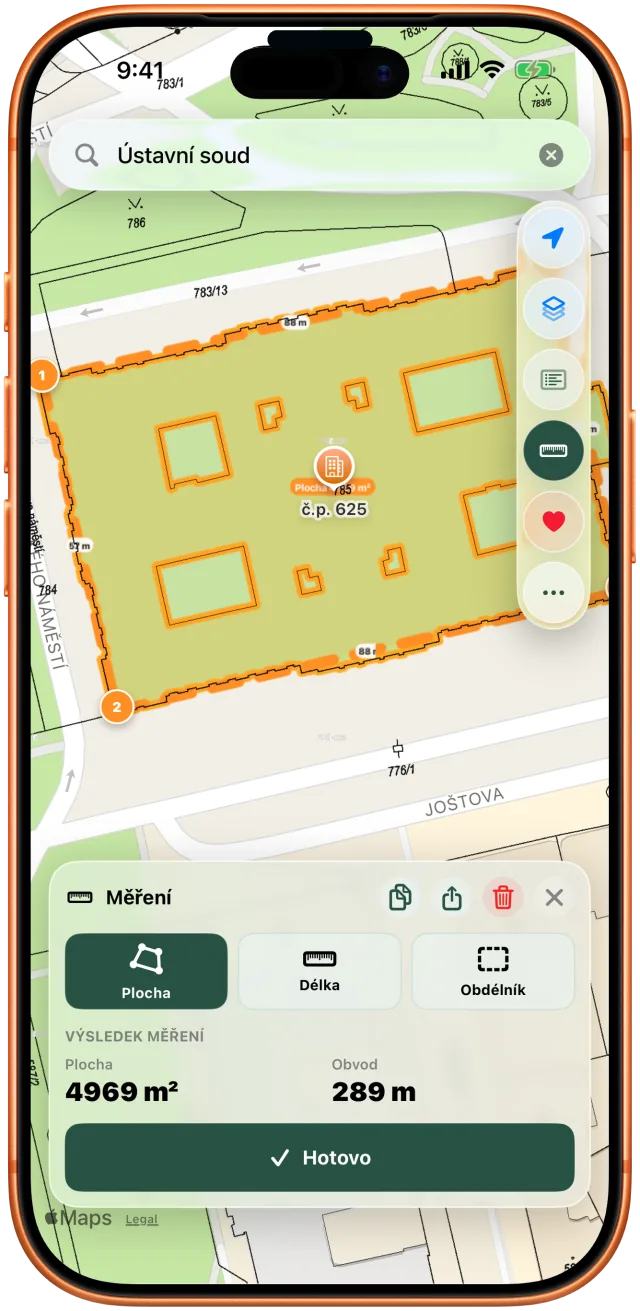
Distance, area and rectangle modes. Add points on the map and keep the result.
The interface supports English. Official Czech registry data and place names stay in their source language.
No. Katastr v kapse is independent. Use official ČÚZK services for legally relevant information.
No. Most features work without sign-in. Czech Land Registry sign-in is optional, only for Czech citizens and protected data.
Yes. It is a one-time purchase with no subscription. Your App Store shows the local price.
dan.urbanek.dev@gmail.com. Include your device model, iOS version and the steps you took.
Contact details, known limits and troubleshooting.
How the app handles location, saved places and external services.
Service scope, responsibility and map-data limitations.